AI Copilot for CRM
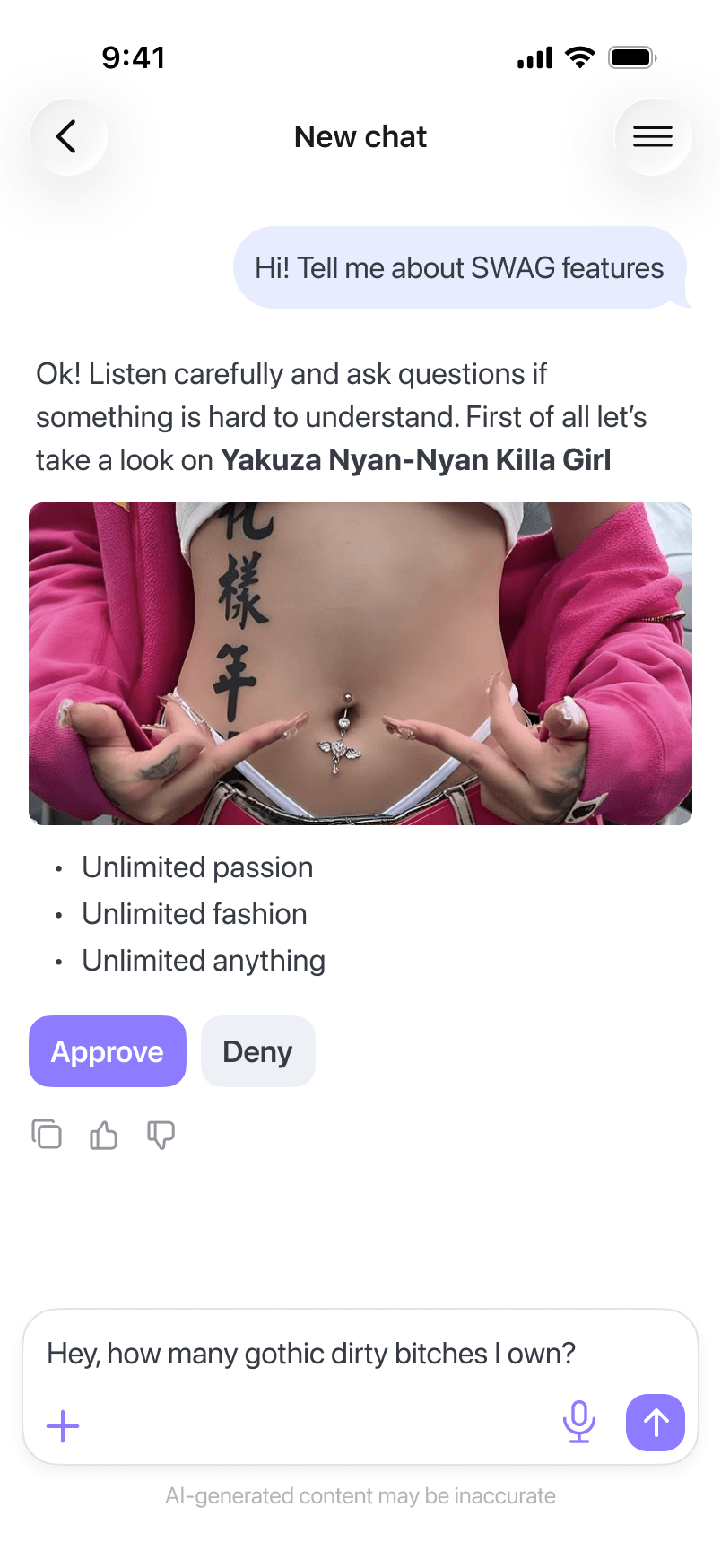
Developed the AI Copilot functionality in the CRM mobile app. Added entry points on key screens so that the AI could delve deeper into user processes on mobile devices.
- Entry point reach
- Copilot open rate
- Message send rate
Overview
NDA Company — a CRM for small sales teams that interact with clients through messaging apps. The main product is a web application. Additionally, there is a companion mobile app.
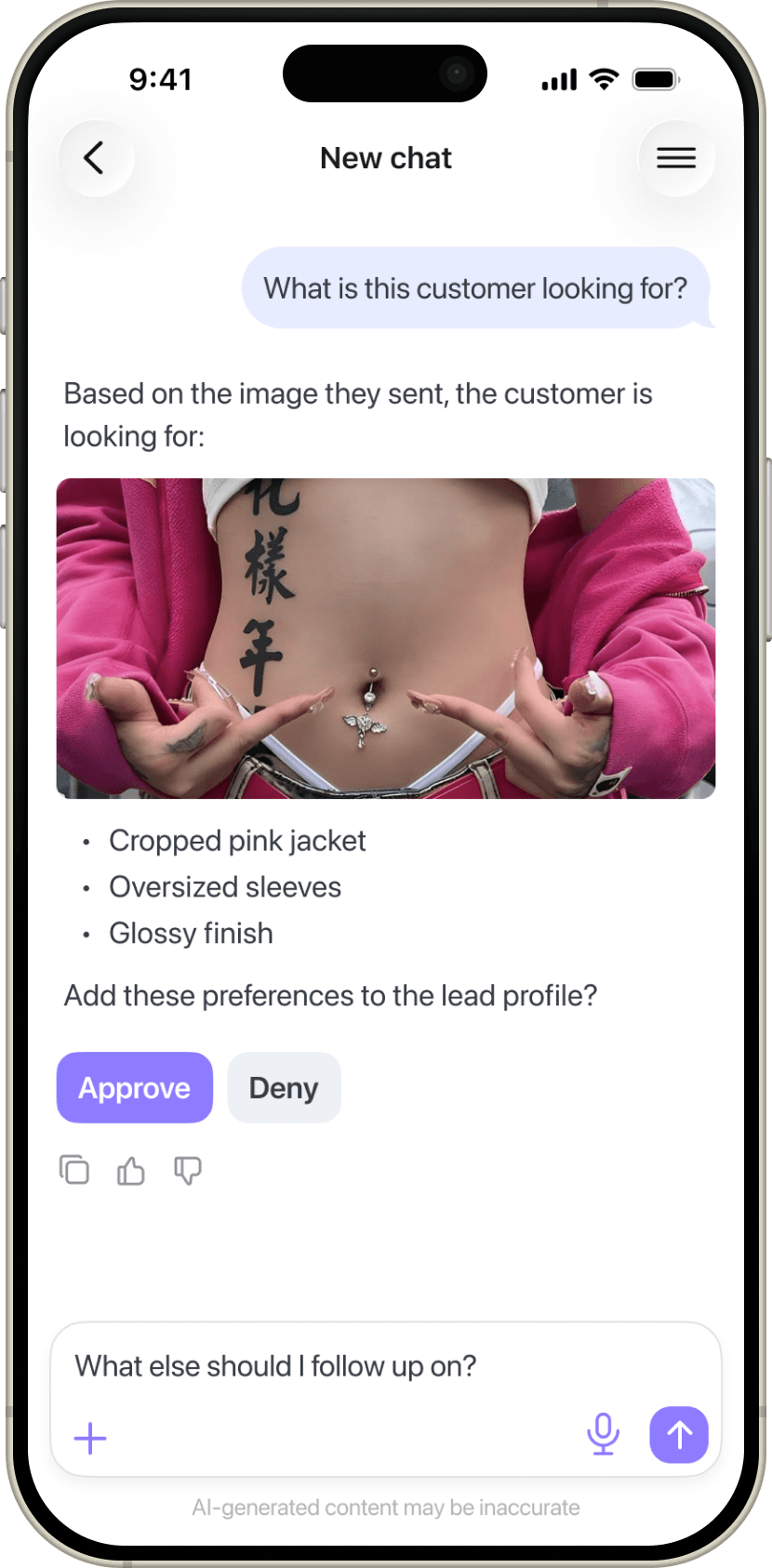
AI Copilot — an assistant within the CRM: it answers questions about deals, prepares responses for clients, and suggests the next steps based on system data and correspondence.

The Task
At the start of the project, Copilot was only available in the web app. The business's task was straightforward: to transfer it to the mobile application.
The priority was linked to the product model. Company positions itself as an AI CRM, with pricing varying based on the volume of AI credits and the set of available AI features — from message assistance to voice scripts and automatic booking.
The absence of Copilot on mobile devices limited the value of the plan during the workday and reduced the penetration of AI into clients' everyday processes.
Research
The state of the system before the task
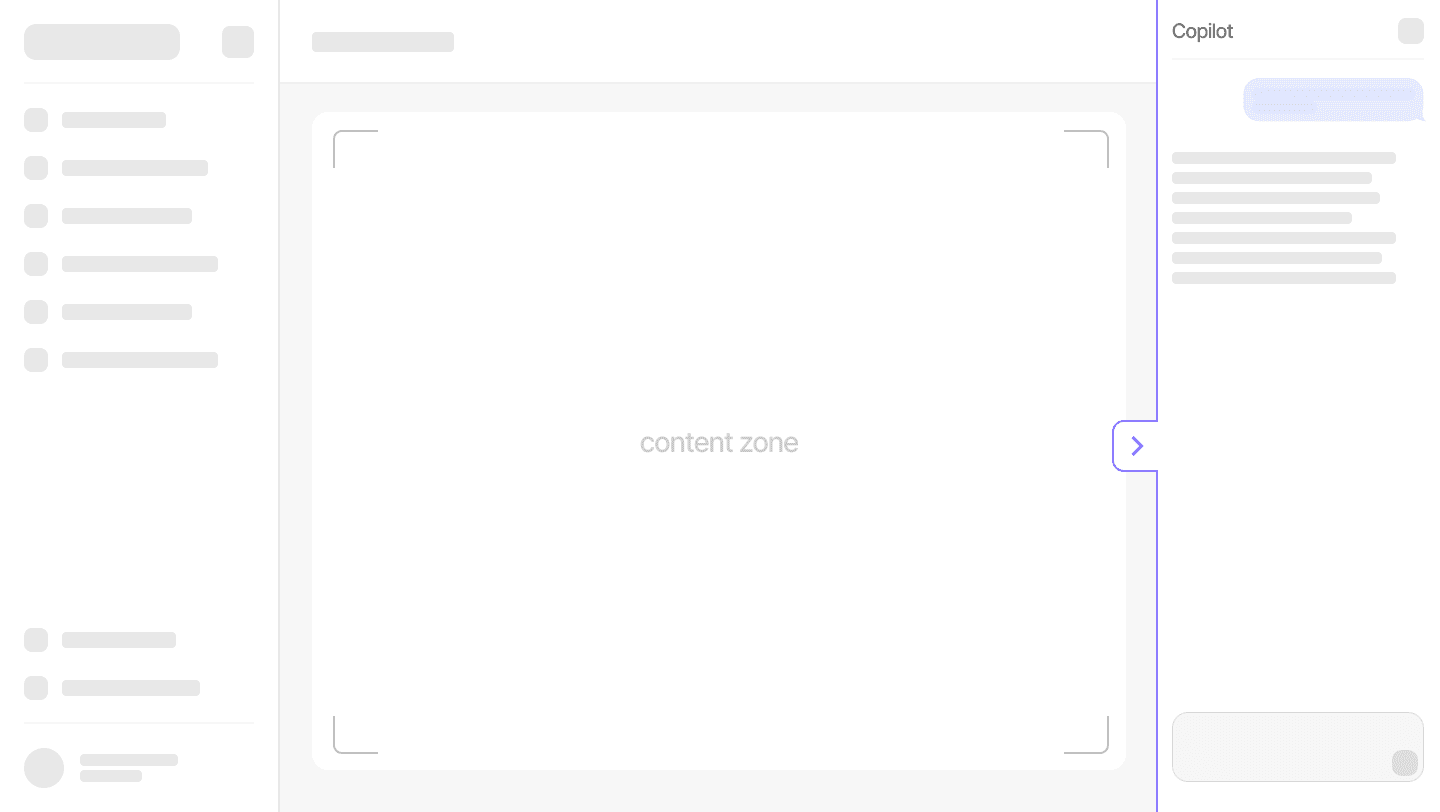
In the Copilot web application, it is available on every page and opens in a sidebar. This format provides three advantages:
- a constant entry point on every page;
- a sufficient space for an expanded dialogue;
- the current contex is on the same screen.
In the mobile application, Copilot was absent. Depending on the plan, users only had access to individual AI features for creating and editing messages in the chat with the client.

Task Research
In-app poll of the mobile audience revealed that a significant portion (57%) of all clients regularly use the app during working hours away from their computers and office. For them, the absence of Copilot on their phones limited the availability of the feature: when the need arose to consult the assistant, they had to switch to a computer or postpone the task.
This was particularly noticeable in segments with fieldwork for instance, in real estate, where managers spend a considerable part of their day on-site and often without access to a computer.
One of the business goals was to integrate Copilot into key work contexts so that access to it did not depend on navigating to a separate section, making the feature easier to discover. However, the existing architecture of the mobile app did not allow for a complete overhaul of the navigation, so entry points needed to be integrated into the current screens with minimal changes.
Problem Statement
Copilot is one of the key AI features of the product, but it remains unavailable to users when they work with the CRM on their phones. Mobile users cannot access the assistant without switching to a computer. This has limited mobile AI adoption for businesses and reduced the value of paid AI capabilities.
Defining Goal
User goal: to enable the manager to access Copilot from their phone at the moment a task arises — to get information on a deal, prepare a response, or determine the next step — as well as to continue a chat session started on the computer.
Business goal: to increase the use of Copilot among the mobile audience and make it accessible from key work contexts within the app. At the same time, entry points should help discover the feature without overwhelming the existing navigation.
Success metrics
Metrics are built on the funnel principle: saw → entered → performed the key action.
- How many users saw [name of entry point]
- How many users entered the copilot screen through [name of entry point];
- How many successfully sent messages in the copilot did the user have.
Design Results
Entry points
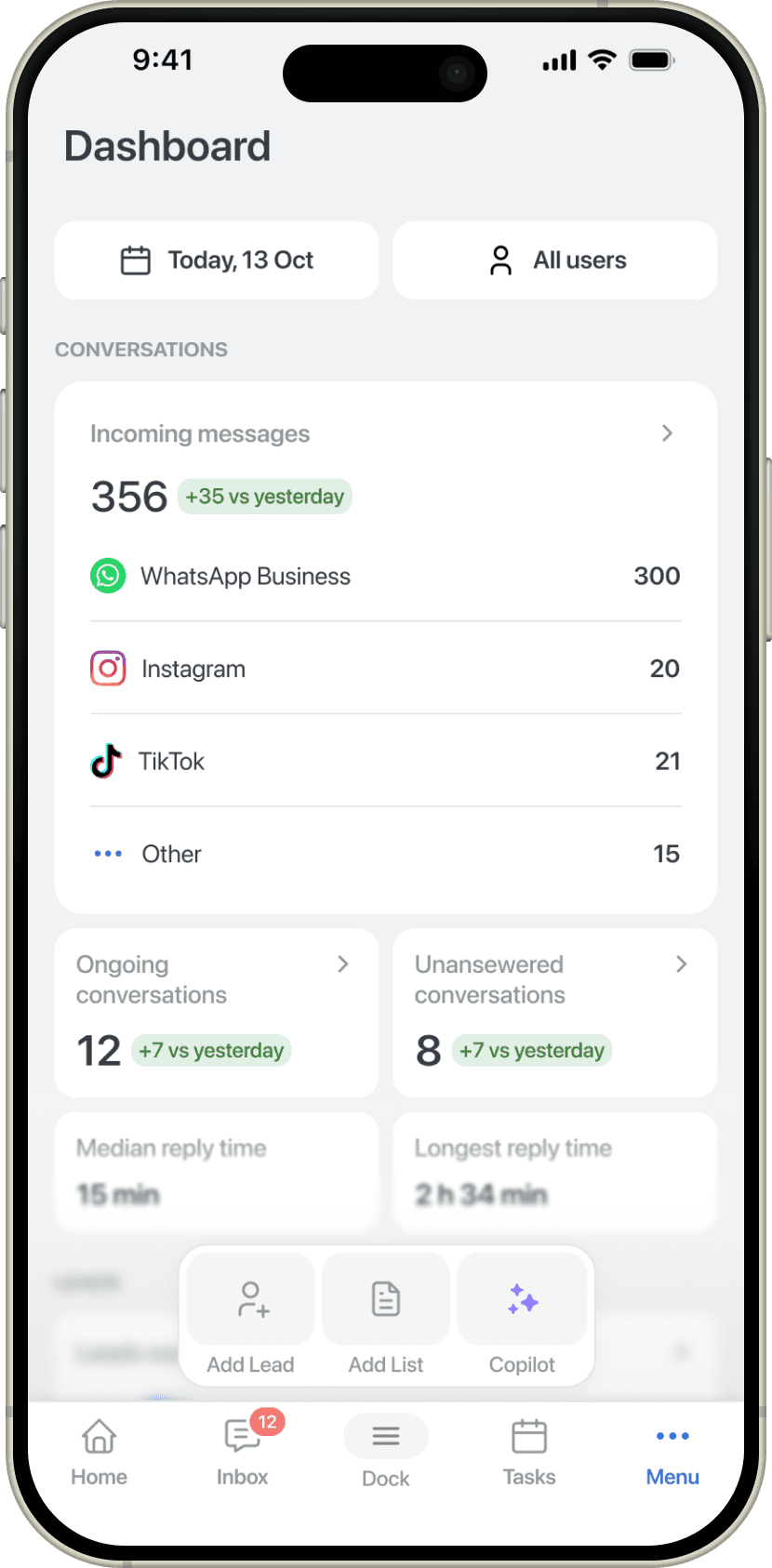
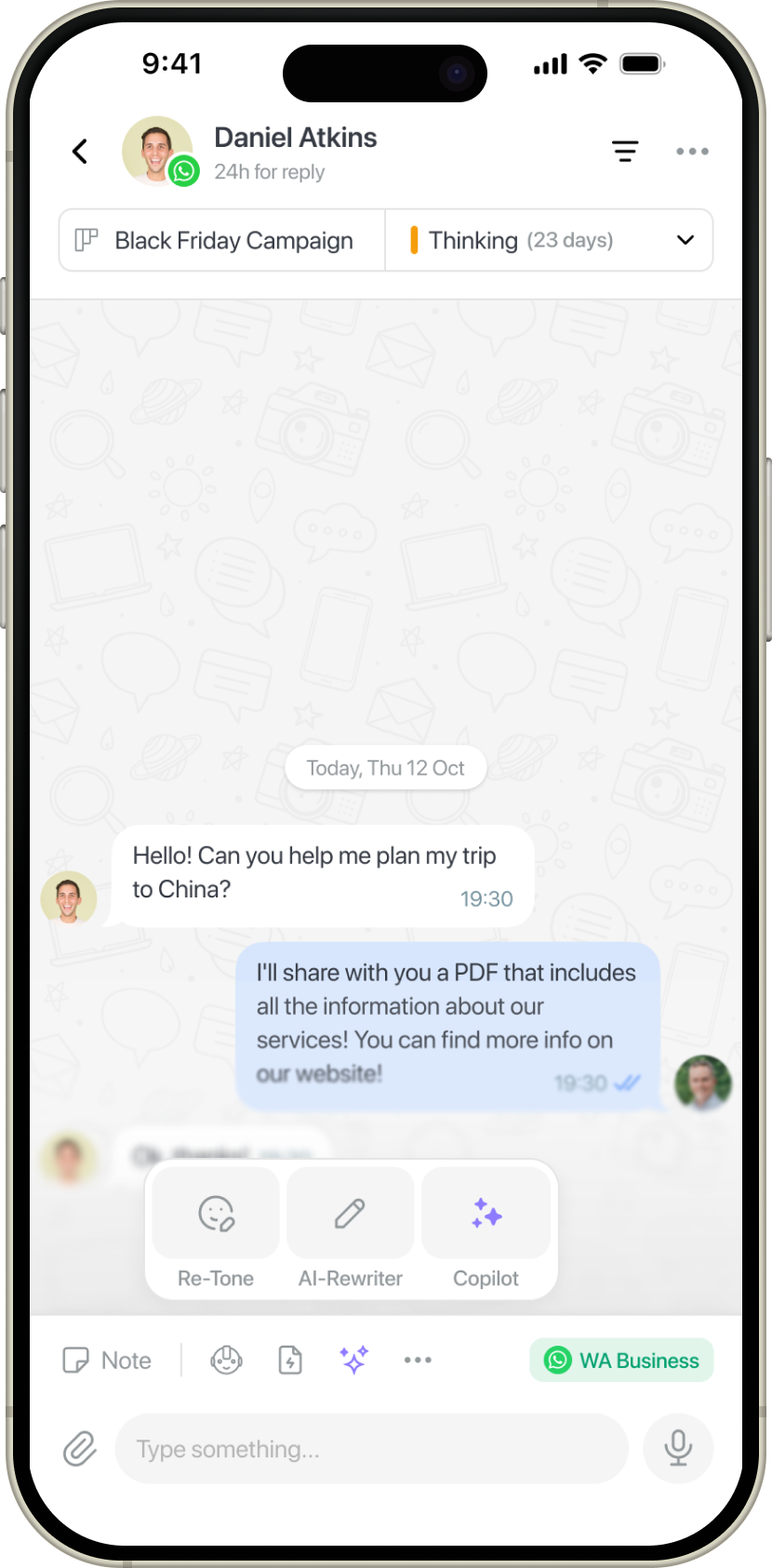
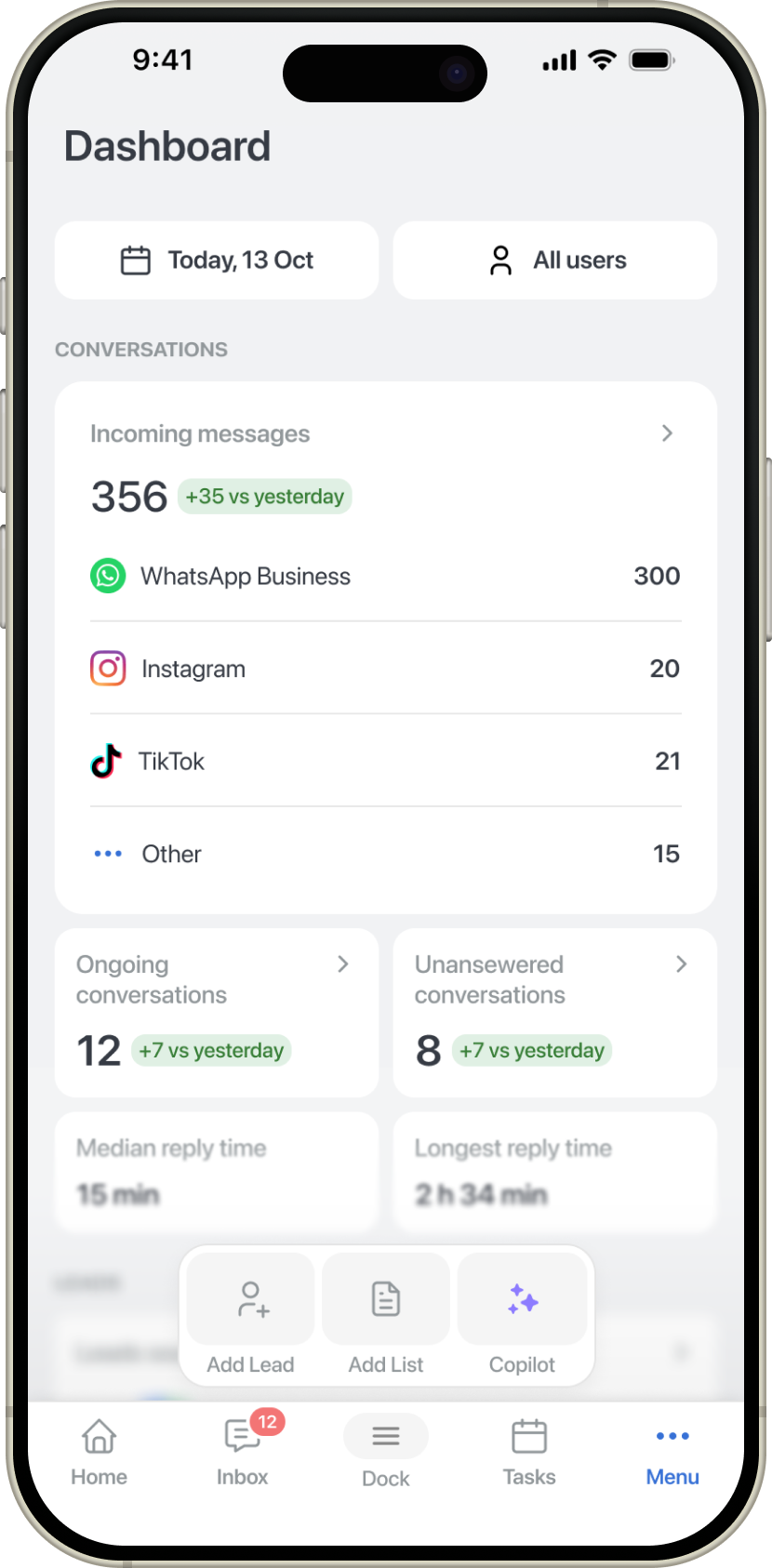
I designed two levels of access to Copilot: contextual and global. Within a chat, it supports work with the current conversation; through the Dock, it remains accessible from any screen with the navigation bar. This brought the assistant into key workflows without duplicating entry points.
Voice input
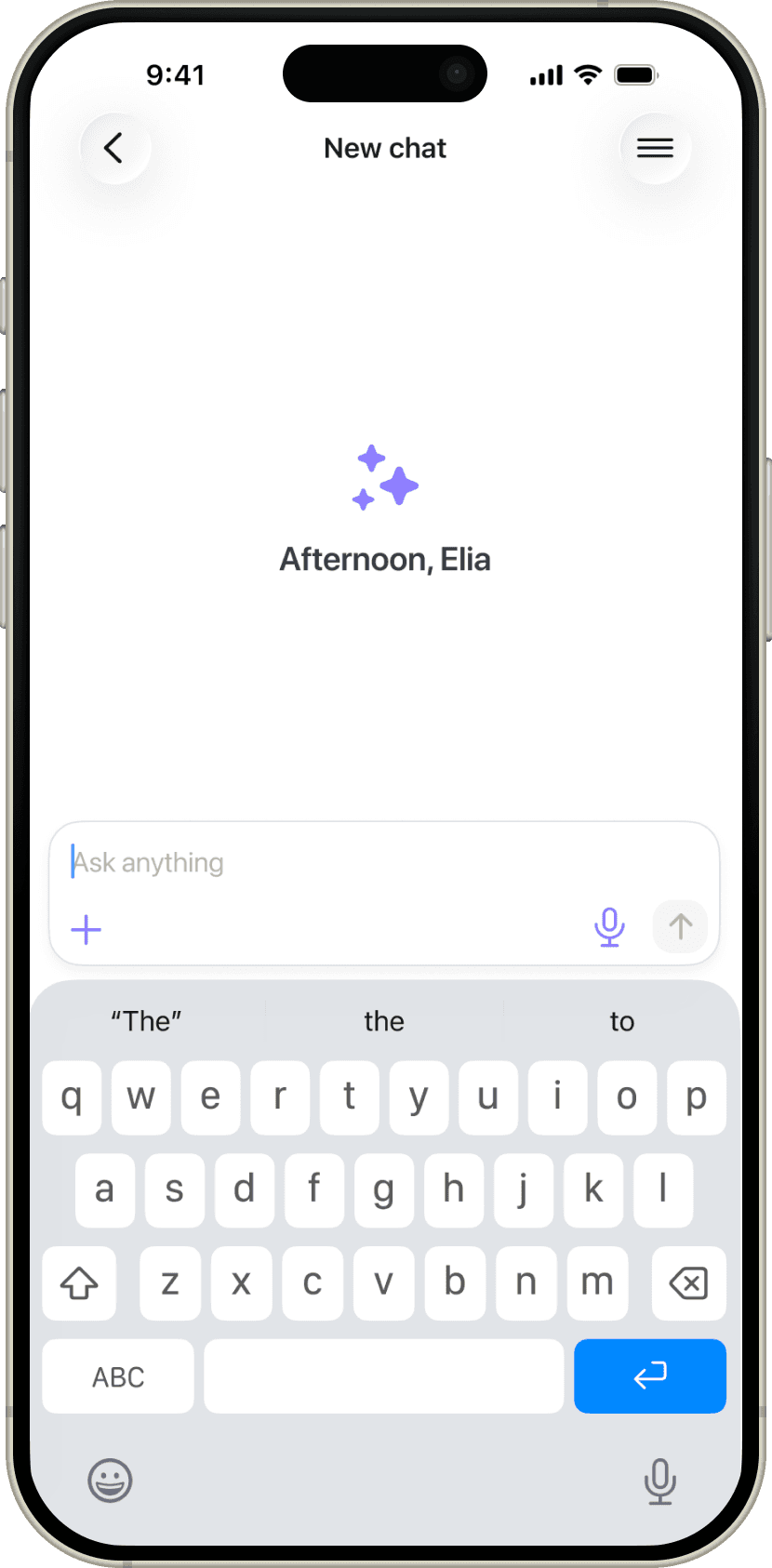
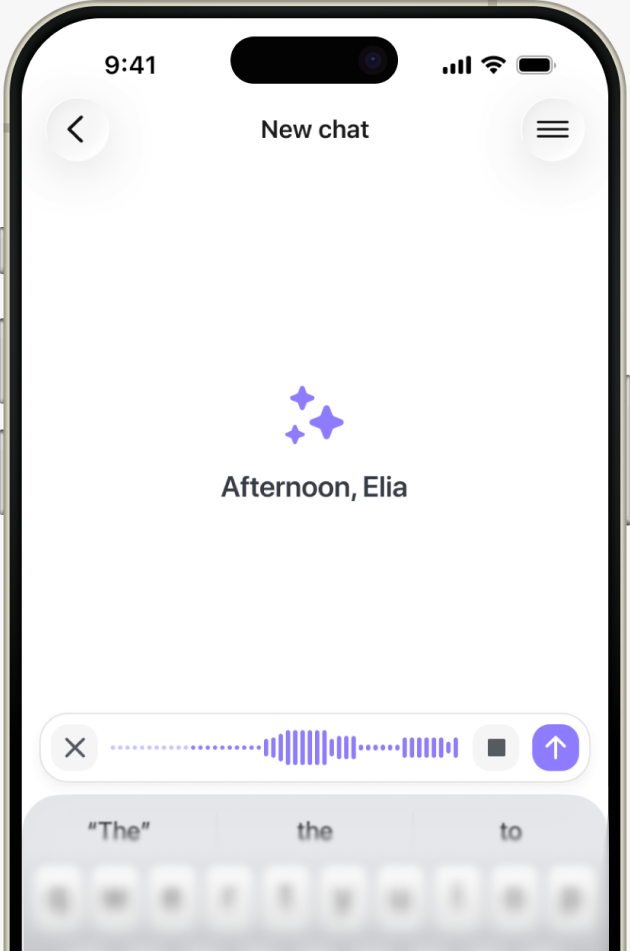
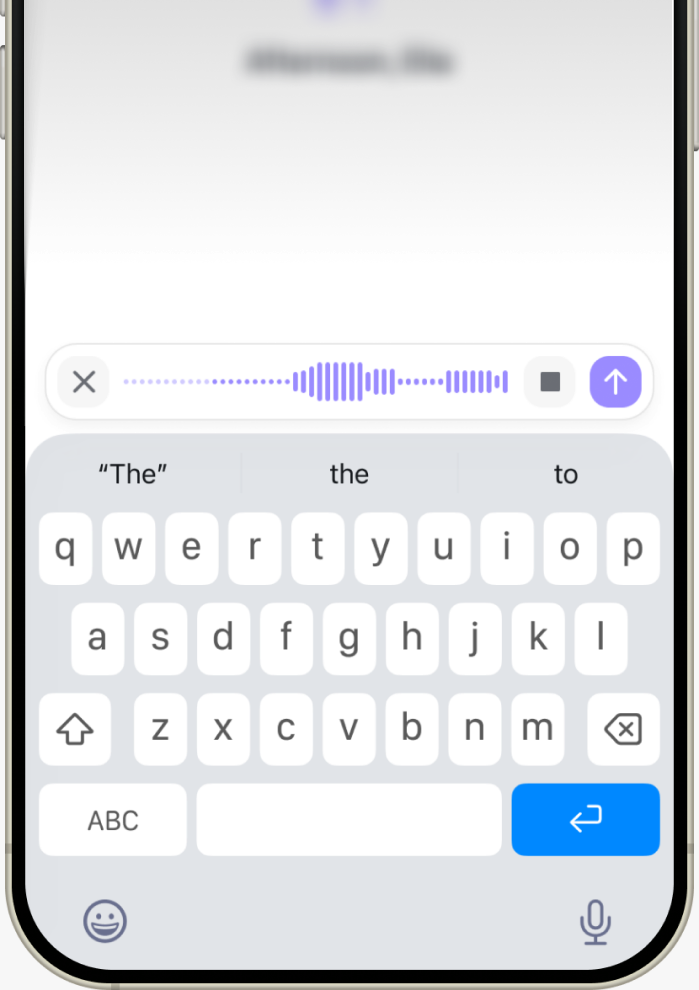
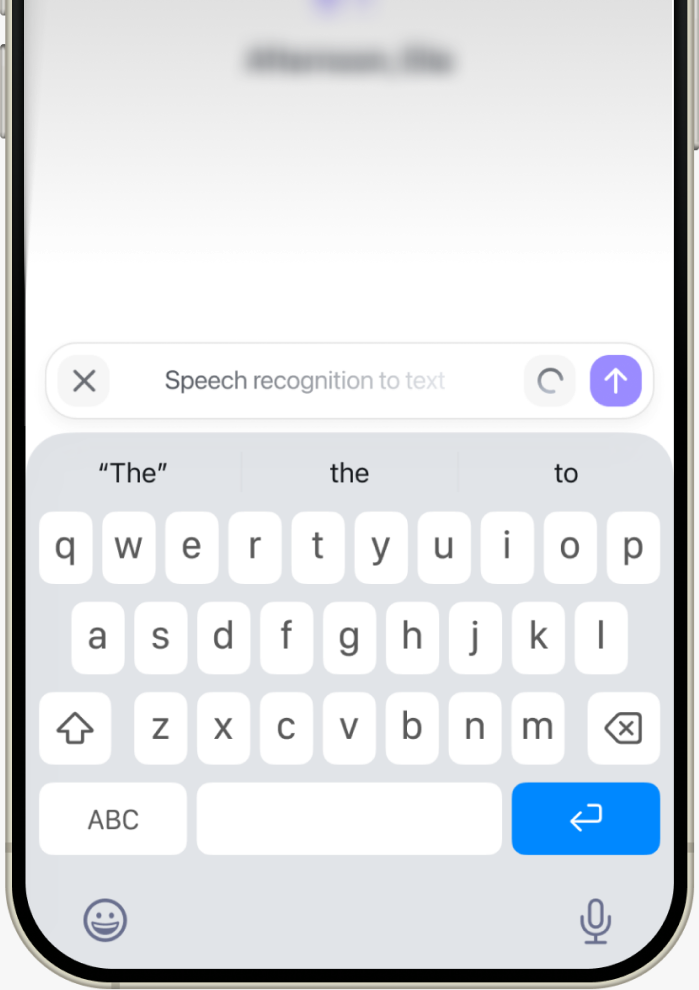
Added voice input so managers can formulate requests on the go, when typing is inconvenient. I based the interaction on a familiar mobile ChatGPT pattern: a visual waveform during recording, an explicit stop action, and speech converted into editable text.
Cross-device sync
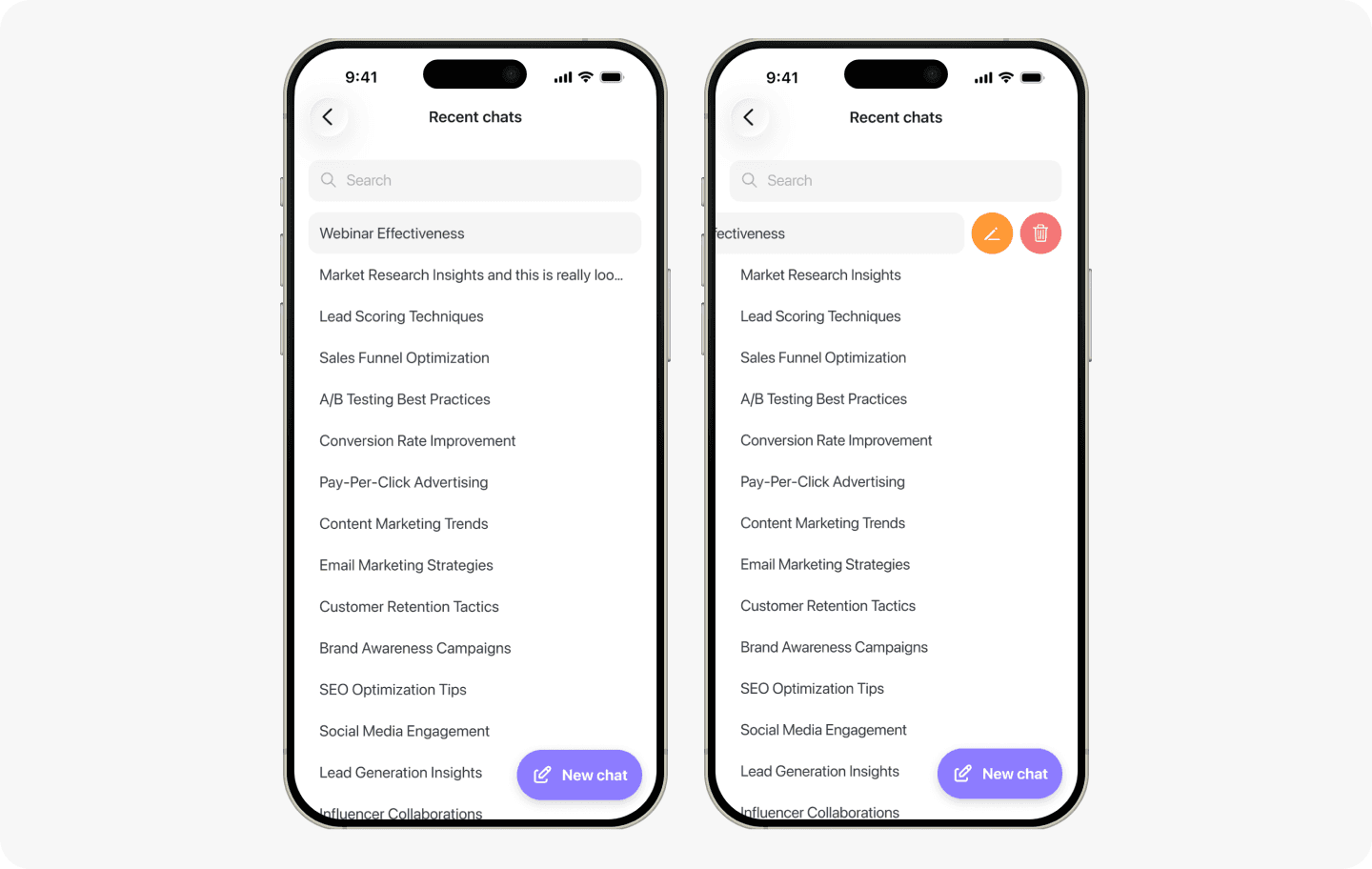
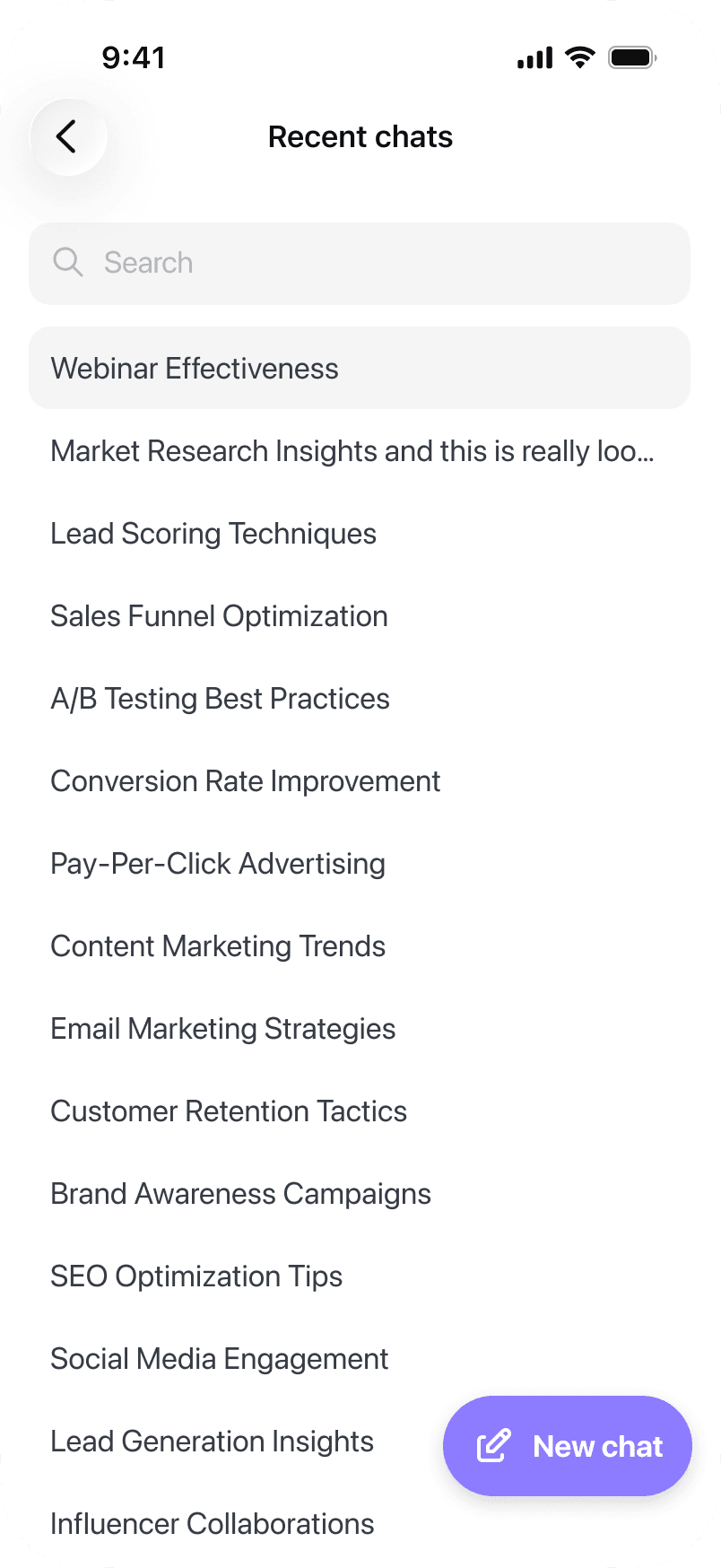
As part of the project, we added cross-device session syncing so Copilot remains a single workspace rather than separate chats across the web and mobile apps. Managers can start a task on their computer and continue it from their phone without losing context.