
contextbox – human & ai agent workspace
A macOS app where every piece of work gets its own box of tasks, notes, links and files, and your AI agent reads it straight from disk. Solo: positioning, product model, interface, design system and front-end.
- Idea to beta
- 3 months
- Commits
- 344
- Releases since beta
- 7
- Beta testers
- 15
Overview
contextbox is a macOS app where every piece of work gets its own box: tasks, notes, links and files for one thing you're doing. Your AI agent reads the same box straight from disk.
I built it solo, from idea to a closed beta in 3 months: positioning, product model, interface, design system and front-end, written together with AI agents. 344 commits, and 7 releases since the beta started.
Right now I use it daily myself and run a closed beta with 15 testers.

Initial Trigger
I run 2–3 side projects alongside a full-time job. Every project, and every task inside it, carries its own amount of context. That context used to be scattered: tasks in Jira, discussions in Slack, mockups in Figma, files in Downloads, decisions in chats with an agent. The first 20 minutes of every work session went not to the task, but to remembering where I had stopped — and then retelling it all to the agent, since I often work with an AI assistant.
At some point switching from one task to another was eating so much of my time that I decided to build a tool that lets me spend it on the task itself, not on collecting its context.
Core Job
When I come back to one of several pieces of work I run in parallel, I want to pick it up right where I left off, so I spend my time on the work itself, not on remembering what to do, and don't keep the rest of my work in my head between context switches.
Hypothesis
If, when coming back to a task, a person sees its saved context, current state and next step in one space, then they will pick up interrupted work faster, because they won't have to search for materials and rebuild the state of the task from scratch.
Product Model
The main unit of organization is the piece of work, and content type becomes a property inside it.
- Box — a container for one piece of work: a project, a client, a process. It's the main unit of navigation. Boxes can be grouped.
- Section — a structural block of a box. You name a section by meaning: “Bugs”, “Ideas”, “Calls”. Its type is one of 4: tasks, notes, links or files, and it doesn't change after creation. These types cover the main forms working context takes. I limited the model to them to keep context structured without turning it into a complex system of databases. The cost: there are no custom section types.
- Inbox — a shared entry point for whatever isn't assigned to any piece of work yet. It takes the “where does this go” decision off the moment of capture: sorting is a separate step you can do later.
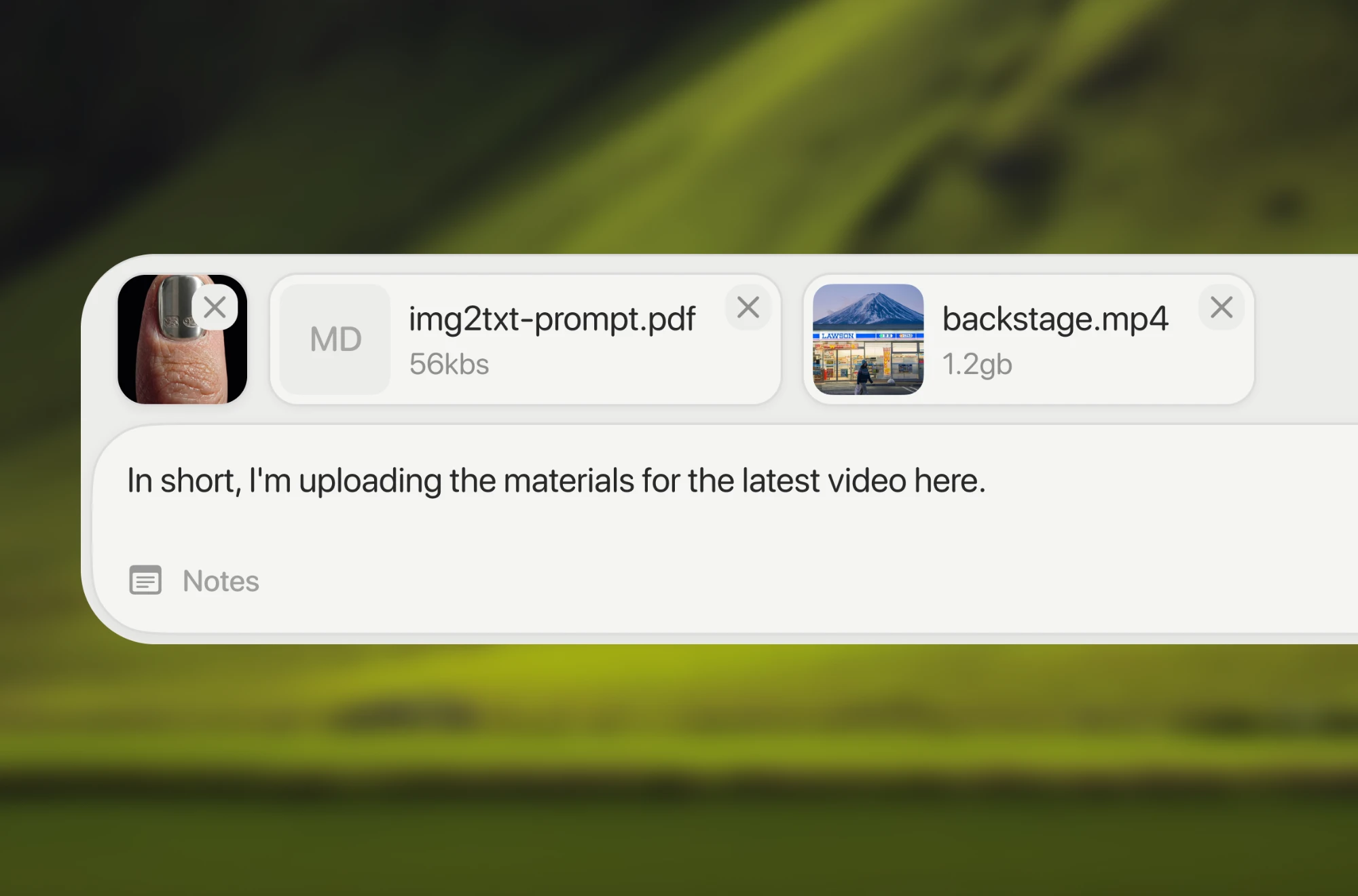
- Open storage format. A box is a folder on disk, a note is a Markdown file. The data isn't locked in the app: you can work with it in Finder, in any editor, or connect an AI agent through MCP.
Beta Release Limitations
The beta is a deliberately limited slice of the product. I focused on validating the core scenario and postponed features that stretched development time but didn't affect the main hypothesis. So the current version proves the core of the model works, but doesn't implement it in full yet.
Design Decisions
Canvas and columns
A box has 2 views. The canvas shows the context as a whole: all sections sit on one working surface instead of splitting into separate pages.
Columns are for parallel work: several sections open side by side, so you can work through tasks while checking your notes. Each column scrolls on its own, so a long list doesn't move the sections next to it.
Organizing sections
Any section can be hidden, collapsed to its header or opened full screen. Sections move between boxes, and individual items move between sections.
A box's structure isn't fixed when it's created. It changes along with the work: context can be added to, trimmed and connected with other contexts, without rebuilding it from scratch.
Full screen as a workspace
Full screen came out of dogfooding. To focus inside a note or a task list, I had to either put up with the visual noise of the other sections or go to a separate screen and lose touch with the box.
So any section can expand to full screen. If the work needs more context, a second section opens in the right sidebar.
Focus here doesn't mean isolation: the main section takes up the workspace, and the context you need stays right next to it.
Markdown files in the Files section
Agents often keep their context in Markdown files, so in contextbox a .md file isn't just an attachment. It opens right inside the box, and you can create one in the Files section.
A file has 2 display modes: the raw Markdown an agent works with, and a formatted document that's easier for a person to read. Switching changes only the view, not the contents of the file.